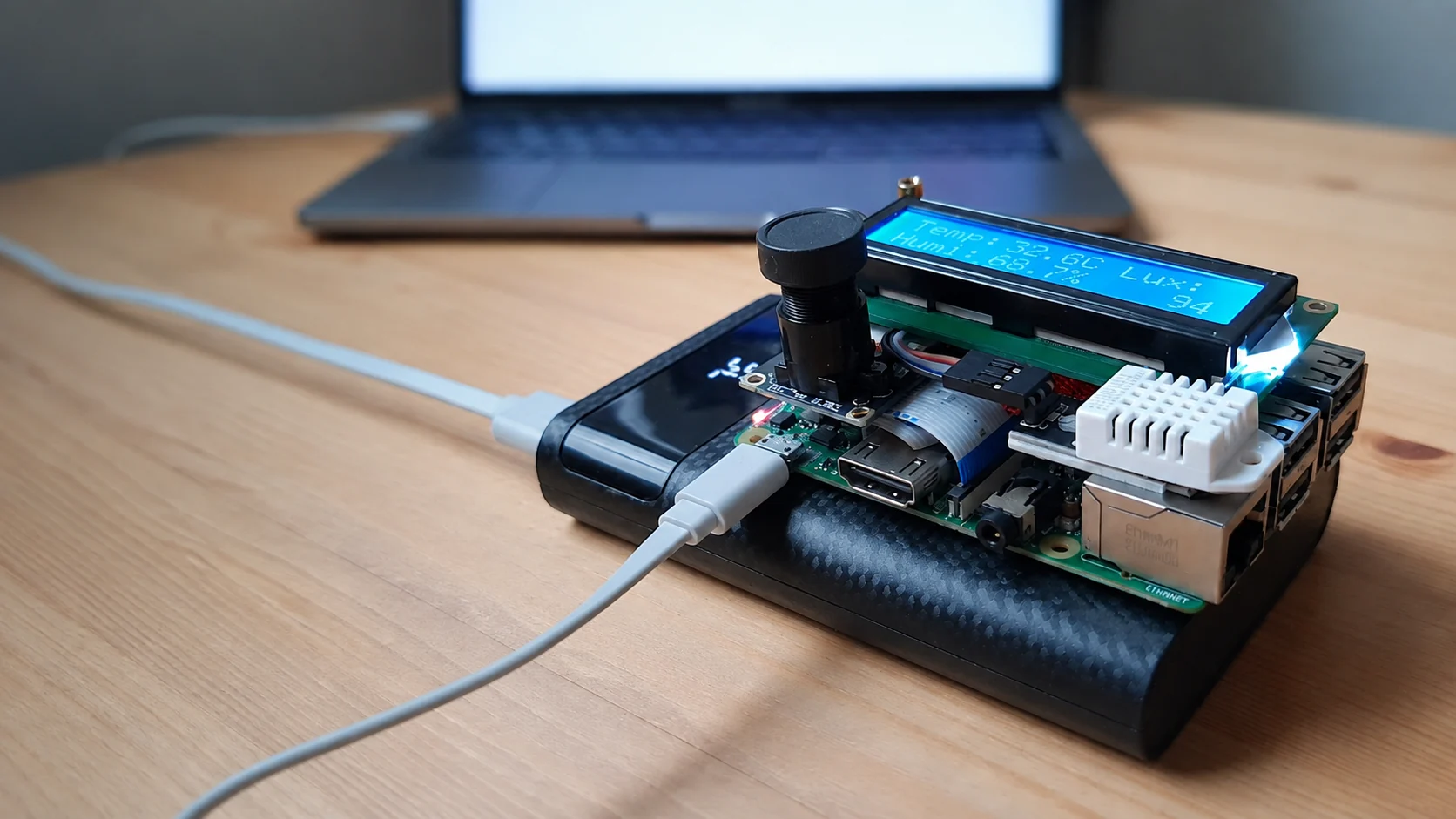
Ultra-low latency streaming for embedded devices
Board to Browser
WebRTC from Raspberry Pi and NVIDIA Jetson to any browser. 100-200 ms glass-to-glass over WiFi, LTE, or 5G.
- Glass-to-glass on LAN
- Sub-100 ms
- Hardware encoding
- H.264 / AV1
- Pluggable signaling
- MQTT · WHEP · SFU
- Open source
- Apache-2.0
01
Features
Hardware Encoding
V4L2 M2M on Raspberry Pi for H.264, and NVIDIA hardware encoding on Jetson for H.264 / AV1.
Two Way Communication
WebRTC DataChannels carry control messages, and the IPC bridge hands them to any process on the device.
Pluggable Signaling
MQTT, WHEP and LiveKit share one interface, and more than one can run at a time.
Works over 4G / 5G
WebRTC provides NAT traversal, congestion control and packet-loss recovery for reliable operation over cellular networks.
- Sub-stream
- Record at full resolution while streaming a downscaled copy.
- Recording
- MP4 files and periodic JPEGs, continuous or triggered over a DataChannel.
- IPC bridge
- Relay a DataChannel to a Unix socket so local processes talk to the browser.
- Adaptive scaling
- Resolution drops under network or device pressure, and recovers.
- Camera controls
- rpicam-apps compatible — autofocus, AWB, exposure, denoise.
- Audio
- 48 kHz capture through PulseAudio or ALSA.
- STUN / TURN
- Built in, for NAT traversal on cellular and carrier networks.
- YAML config
- Every CLI flag also works as a key in a config file.
02
Use Cases
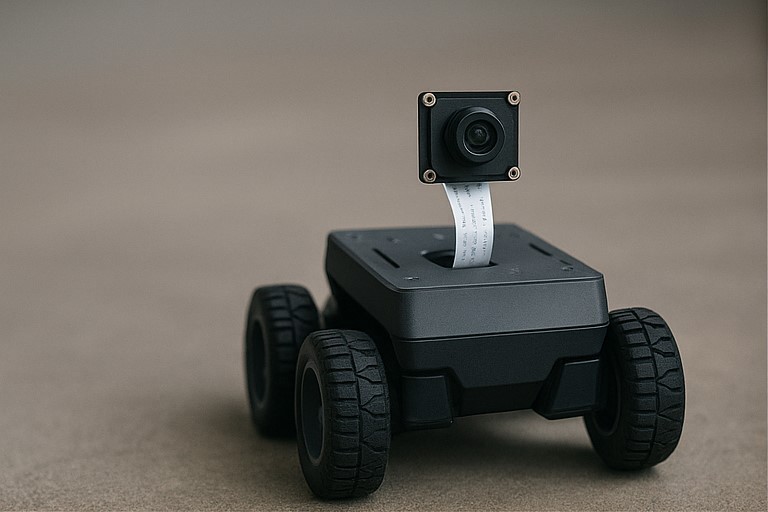
Robotics & Drones
Sub-second video off a robot or drone, so an operator can drive it remotely without fighting the delay.
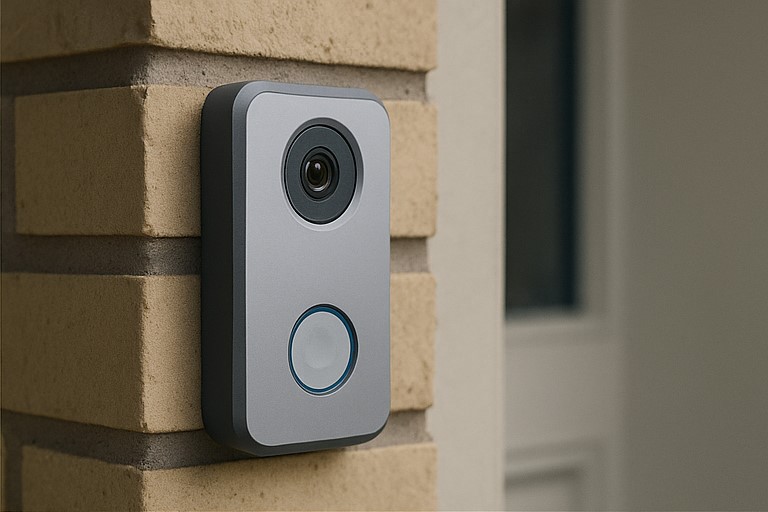
Remote Monitoring
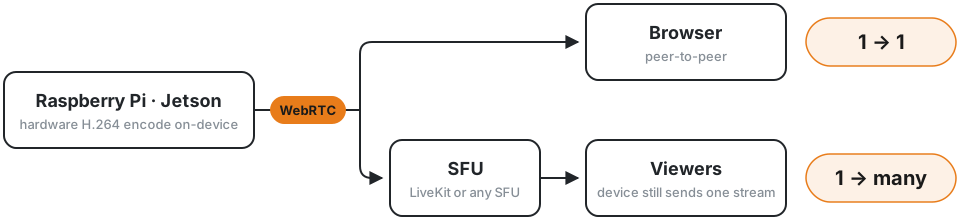
Reach a camera behind NAT over peer-to-peer signaling, or fan it out to a crowd through an SFU.
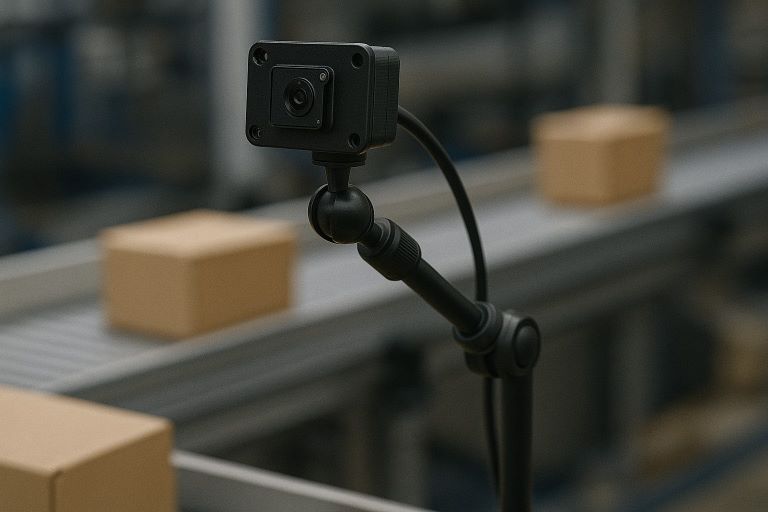
Industrial & Lab Inspection
Watch a machine or a bench setup live from the browser, with a recorded copy kept on the device.
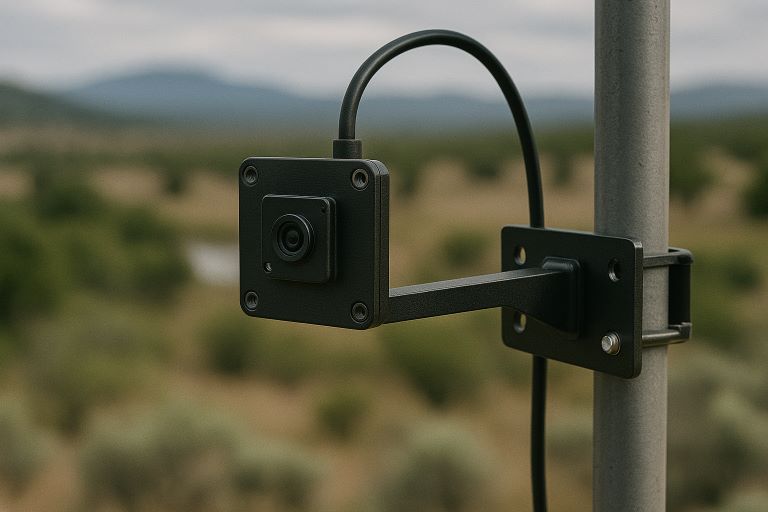
Field Devices
One board captures, encodes and speaks WebRTC — no ground station or relay host in the loop.
See it running
Web-Controlled Drone
Gamepad input over a DataChannel, video back over WebRTC — all on WiFi.
On-device Object Tracking
Real-time YOLOv11 + NvDCF running on a Jetson Orin NX.
One Camera, Many Viewers
The board uploads a single stream and a LiveKit SFU fans it out.
03
Signaling
Pick how the device is reached. More than one transport can run at the same time.
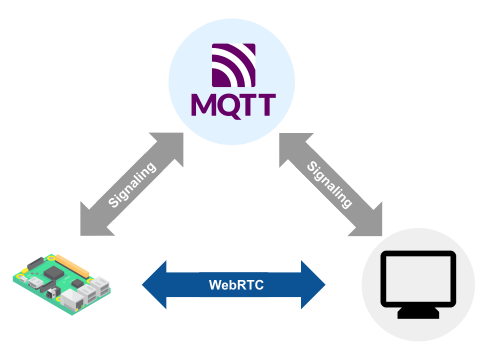
MQTT
Needs: An MQTT broker
Peer-to-peer viewing from anywhere. The device needs no public hostname — any broker brokers the handshake.
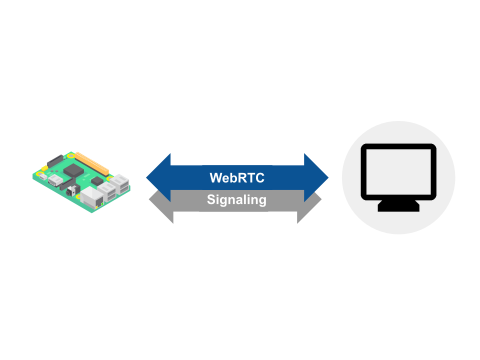
WHEP
Needs: No extra server — a LAN IP is enough
The device serves the endpoint itself, so the stream plays from a plain URL in any WHEP player, including Home Assistant.
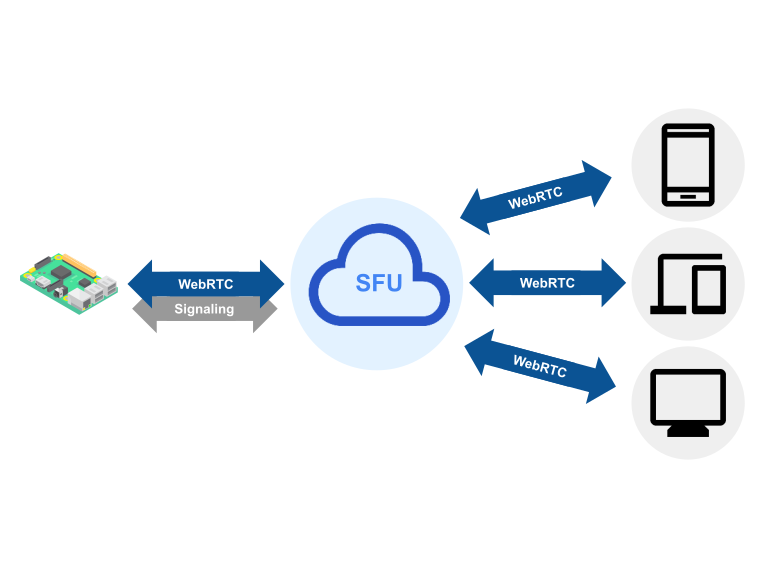
SFU
Needs: A LiveKit server, or a Cloudflare Realtime app
Many simultaneous viewers. The device uploads one stream and the SFU fans it out, so viewer count stops being its problem.
04
Why pi-webrtc
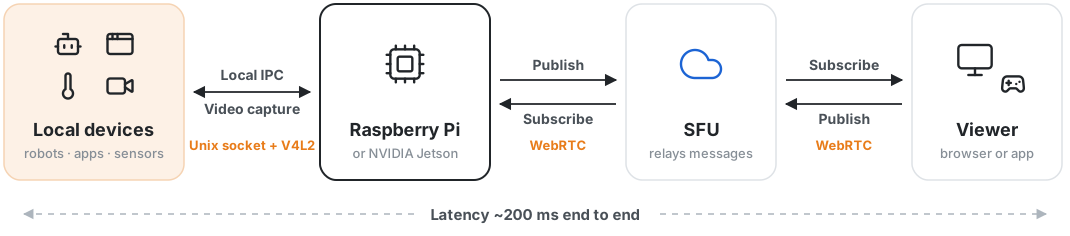
The camera board is the WebRTC endpoint. There is no gateway in the media path.
What that buys you: one less always-on host to deploy, secure and scale. Nothing transcodes or re-streams in between, so the delay stays close to the network round-trip rather than stacking up per hop. Control travels back over a DataChannel on the same connection, so there is no second path to operate. And the same binary covers both shapes — peer-to-peer for a single viewer, an SFU when you need many.

05
Hardware Support
One codebase, two platforms.
Raspberry Pi *
- Camera backend
- libcamera
- Hardware encoding
- H.264
NVIDIA Jetson *
- Camera backend
- libargus
- Hardware encoding
- H.264 / AV1
* Pi 5 and Jetson Nano have no hardware encoder and fall back to software encoding. USB cameras are supported through V4L2 on both platforms.

Support the project
pi-webrtc is open source under Apache-2.0 and production-ready on its own.
Sponsor-only builds add object detection and tracking on Jetson, multi-camera capture, and direct LiveKit and Cloudflare Realtime connections — plus access to the private sponsor repositories.